


Sample files of different formats are ready-made files that help you understand how a particular file type works. Instead of creating a new file every time, you can simply download and use sample files to test uploads, conversions, editing tools, or software features. They are useful for students, developers, designers, and even office users.
Different tasks require different file types. For example, you may need a PDF to test a document viewer, a CSV file to check data import, or a JPG image to test upload limits. Using the correct sample file format saves time and helps you avoid mistakes while working with real projects.
In this guide, we will explore the 10 best sample files of different formats and explain when and why you should use them. Let’s first understand why these files are so important for testing, learning, and everyday work.
Understanding Sample Files of Different Formats
To understand sample files of different formats, it is helpful to divide them into clear groups. There are many types of sample files available, and they can be organized based on how and where they are used. This makes choosing the right sample file format much easier and more practical.
They are mainly divided into:
- Media Sample File
- Document Sample File
- Design & Archive Sample File
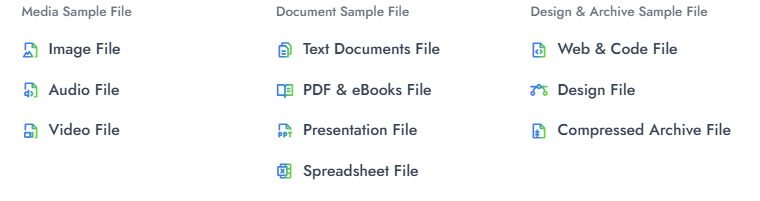
These categories help you quickly identify what kind of file you need. On FileXTool, you can easily find different sample files of different formats arranged in a simple and practical way, so you don’t have to create files manually every time.
A. Media Sample File
Media Sample File includes files that are used for visual and audio-based content. These files are important for testing uploads, checking quality, verifying file size limits, and understanding how media formats perform on websites and applications.
Many users look for sample files of different formats in the media category because these are commonly required for real-world projects.
Under Media Sample File, there are three main types:
- Image File
- Audio File
- Video File
Each type contains multiple formats that help in different testing and learning situations.
1. Image Sample File
An Image Sample File is mainly used to test image uploads, compression quality, resolution handling, and format compatibility. Instead of creating new images manually, ready-made sample files allow you to quickly check how a system processes different image formats.
These files are helpful for developers, designers, and students who want to understand how image size, clarity, and transparency behave in different environments.
Below are the available image sample file formats and why they are useful:
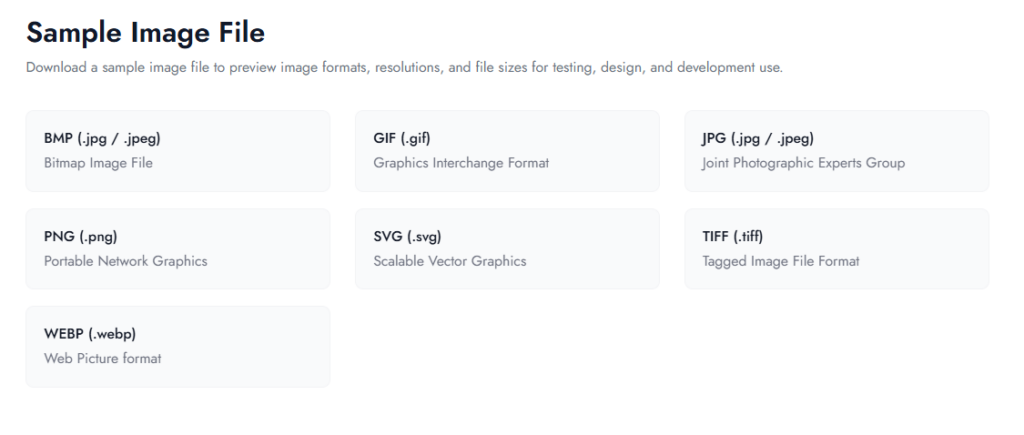
BMP (.bmp)
BMP image sample files are useful for testing large, uncompressed images. They help check how systems handle heavy file sizes and raw image data without compression.
GIF (.gif)
GIF sample files are helpful for testing animated images and small graphics. They allow you to verify animation support and color limitations in different platforms.
JPG (.jpg / .jpeg)
JPG image sample files are commonly used to test compressed images. They are ideal for checking upload limits, image quality balance, and web performance.
PNG (.png)
PNG sample files are useful for testing transparency and high-quality graphics. They help verify background handling and sharp image rendering.
SVG (.svg)
SVG image sample files are best for testing scalable graphics. They help check how vector images resize without losing quality on different screen sizes.
TIFF (.tiff)
TIFF sample files are used for testing high-resolution images. They are helpful when checking professional editing or print-quality image handling.
WEBP (.webp)
WEBP image sample files are useful for testing modern web-optimized images. They help verify faster loading speeds and compression efficiency.
2. Audio Sample File
An Audio Sample File is used to test sound quality, bitrate, compatibility, and playback performance across different devices and platforms. Instead of recording audio every time, ready-made sample files of different formats help you quickly evaluate how a system handles various audio types. These files are useful for developers, media editors, students, and anyone working with music or voice recordings.
Audio sample files are commonly used for checking upload limits, comparing compression levels, testing streaming performance, and analyzing sound clarity. Different formats behave differently in terms of file size and quality, which makes choosing the right sample file format important for accurate testing.
Below are the main audio sample file formats available:
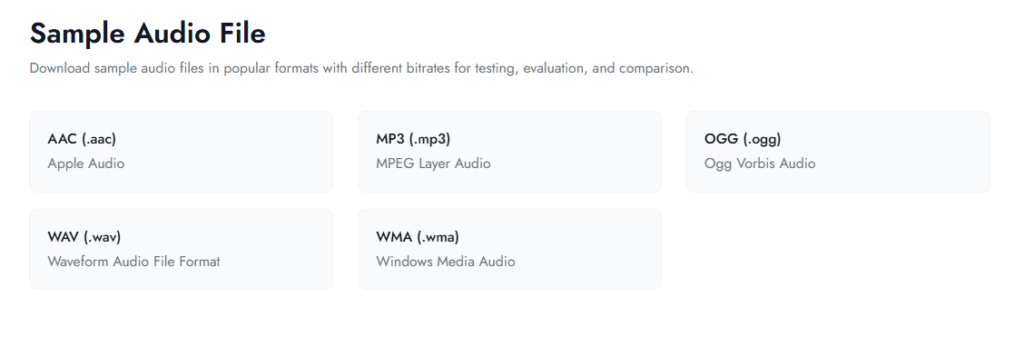
AAC (.aac)
AAC sample files are helpful for testing modern compressed audio formats. They provide better sound quality at lower bitrates and are commonly used in streaming and mobile applications.
MP3 (.mp3)
MP3 is one of the most widely used audio formats. MP3 sample files are ideal for testing compatibility since almost every device and media player supports this format.
OGG (.ogg)
OGG sample files are used to test open-source audio formats. They are often chosen for web applications and platforms that prefer non-proprietary audio standards.
WAV (.wav)
WAV sample files are useful for testing uncompressed, high-quality audio. They help evaluate raw sound data and are often used in professional editing environments.
WMA (.wma)
WMA sample files are commonly used for testing Windows-based media environments. They help check playback compatibility and compression efficiency within Microsoft-supported systems.
3. Video Sample File
A Video Sample File is used to test video playback, resolution support, file size limits, and format compatibility across different devices and platforms. Ready-made sample files of different formats in video category help developers, editors, and students check how videos perform without creating large files from scratch.
Video sample files are especially useful for testing streaming quality, buffering speed, compression behavior, and upload restrictions. Since video files are usually larger in size, using the correct sample file format helps evaluate performance more accurately.
Below are the main video sample file formats available:
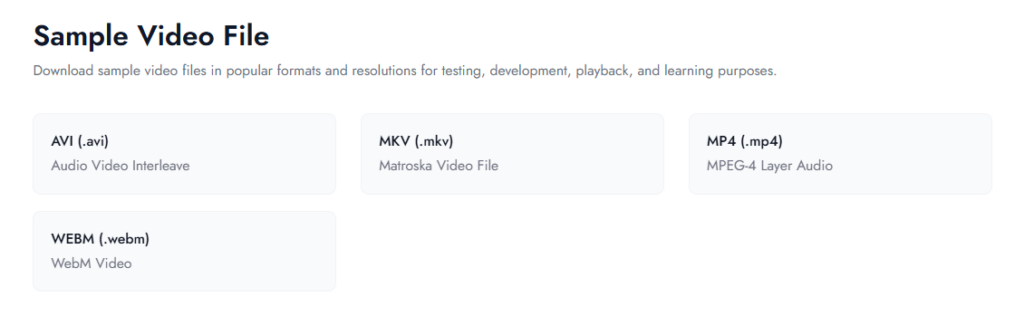
AVI (.avi)
AVI sample files are helpful for testing older and widely supported video formats. They are useful for checking compatibility with legacy media players and desktop applications.
MKV (.mkv)
MKV sample files are used to test high-quality video containers that can store multiple audio tracks and subtitles. They are common in high-definition video testing.
MP4 (.mp4)
MP4 is one of the most popular video formats. MP4 sample files are ideal for testing web uploads, mobile playback, and streaming performance.
WEBM (.webm)
WEBM sample files are mainly used for web-based video testing. They help evaluate browser compatibility and optimized online streaming performance.
B. Document Sample File
A Document Sample File includes files that mainly contain text, structured data, or formatted content. These sample files of different formats are commonly used for testing document uploads, formatting accuracy, data validation, printing layout, and file compatibility across software and devices.
Document-based sample files are helpful for students, office professionals, developers, and businesses. They allow quick testing of document viewers, editing tools, data import systems, and file-sharing platforms without creating new files every time.
Under Document Sample File, the main types include:
- Text Documents File
- PDF & eBooks File
- Presentation File
- Spreadsheet File
Each of these categories includes multiple formats that serve different documentation and data-handling needs.
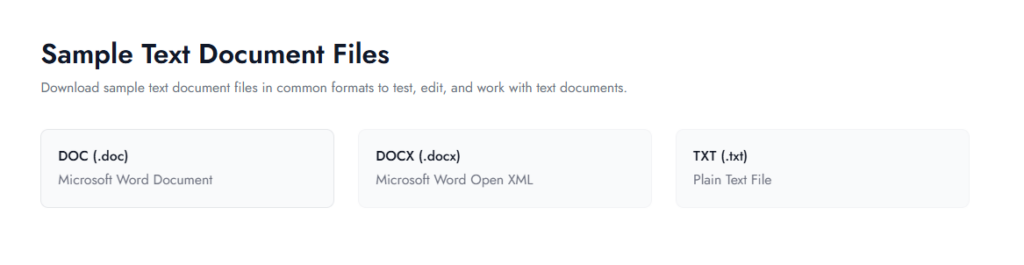
4. Sample Text Document Files
A Text Documents File is one of the most commonly used document types for writing, editing, and sharing written content. These sample files of different formats help in testing text formatting, font support, layout structure, and file compatibility across different software programs. They are widely used in offices, schools, and web applications.
Text document sample files are especially useful for checking upload systems, document viewers, editing tools, and conversion features. By using different sample file format options, you can understand how content behaves when opened, edited, or converted into another format.
Below are the main Text Documents sample file formats:
DOC (.doc)
DOC sample files are used to test older Microsoft Word document formats. They help verify compatibility with legacy systems and older document-processing software.
DOCX (.docx)
DOCX sample files are used to test modern Word documents with advanced formatting, images, tables, and structured layouts. They are widely supported across most platforms today.
TXT (.txt)
TXT sample files are plain text documents without formatting. They are useful for testing simple content uploads, raw data input, and systems that require lightweight text files.
5. Sample PDF & eBooks File
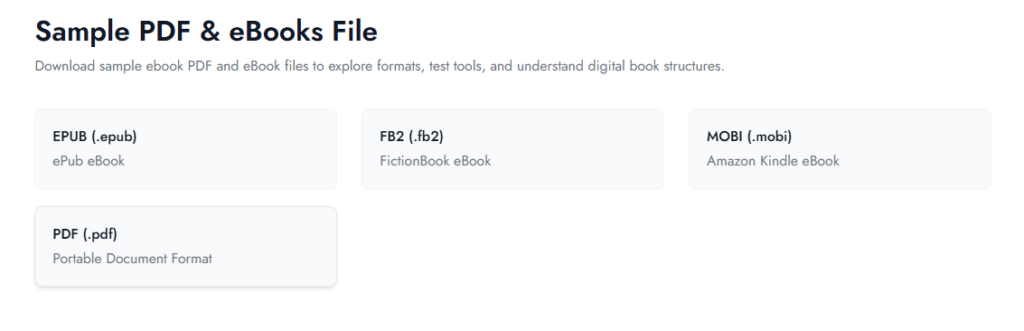
Sample PDF & eBooks Files are widely used for sharing fixed-layout documents and digital books. These sample files of different formats help in testing readability, layout consistency, font embedding, and device compatibility. They are commonly used for online documents, reports, manuals, and eBook publishing platforms.
Using structured sample files in this category helps check how documents appear on different screen sizes and applications. It also allows you to test conversion tools, upload systems, and document security features using the correct sample file format.
Below are the main PDF & eBooks sample file formats:
EPUB Files (.epub)
EPUB sample files are used to test reflowable eBook content. They automatically adjust text based on screen size, making them ideal for testing eReaders and mobile devices.
FB2 Files (.fb2)
FB2 sample files are commonly used for structured eBook testing. They store content in XML format and help evaluate compatibility with specific reading applications.
MOBI Files (.mobi)
MOBI sample files are helpful for testing older Kindle-supported eBook formats. They allow checking layout behavior and device-based readability.
PDF Files (.pdf)
PDF sample files are used to test fixed-layout documents where formatting must remain unchanged. They are ideal for checking printing layout, document sharing, and multi-page structure handling.
If you are working with multiple PDF sample files, you may also find this helpful guide: How to Merge PDF Files, which explains the process step by step in a simple way.
6. Sample Presentation File
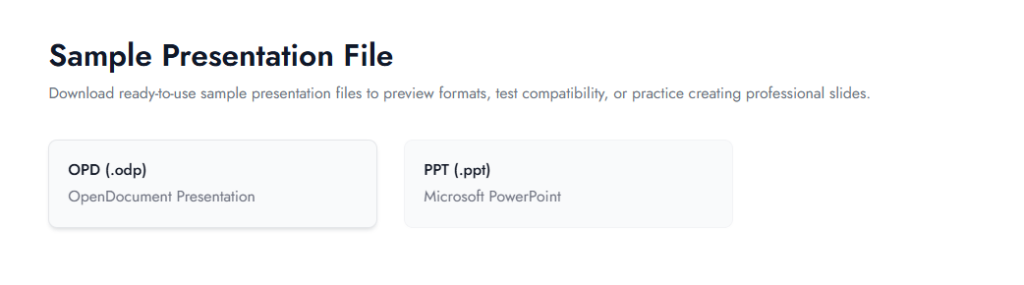
A Sample Presentation File is used to test slide layouts, text formatting, images, animations, and overall presentation structure. These sample files of different formats help in checking how slides appear on different devices and software programs. They are useful for students, teachers, office professionals, and developers who need to test upload or viewing systems.
Presentation sample files also help verify font compatibility, transition effects, embedded media, and slide alignment. Using the correct sample file format ensures your presentation works smoothly across platforms without formatting issues.
Below are the main presentation sample file formats:
ODP Files (.odp)
ODP sample files are used to test open-source presentation formats, commonly supported by LibreOffice and similar tools. They help check cross-platform compatibility and layout consistency.
PPT Files (.ppt / .pptx)
PPT sample files are widely used for testing Microsoft PowerPoint presentations. They allow you to evaluate slide design, animations, charts, and multimedia elements across different presentation software.
If you are also working with structured documents like PDFs along with presentations, you may find this guide useful: How to Reorder PDF Pages, which explains how to rearrange pages in a simple step-by-step manner.
7. Sample Spreadsheet File
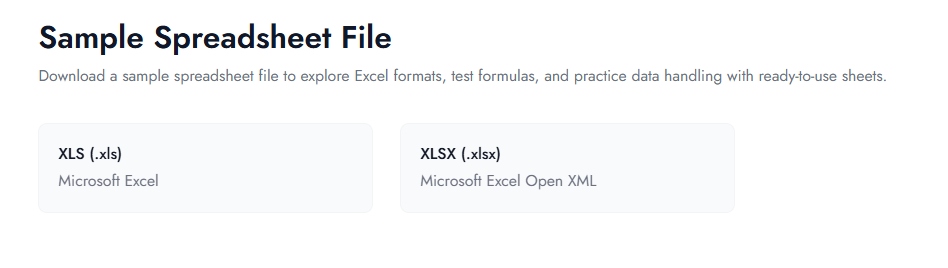
A Sample Spreadsheet File is used to test data structure, formulas, tables, and numeric formatting in spreadsheet applications. These sample files of different formats help in checking data import systems, calculation accuracy, sorting functions, and file compatibility across platforms. They are commonly used by accountants, analysts, developers, and students.
Spreadsheet sample files are especially useful for testing bulk data uploads, validating formulas, and analyzing structured datasets. Choosing the correct sample file format ensures that rows, columns, charts, and functions behave as expected in different software environments.
Below are the main spreadsheet sample file formats:
XLS Files (.xls)
XLS sample files are used to test older Microsoft Excel formats. They help verify compatibility with legacy systems and older spreadsheet software.
XLSX Files (.xlsx)
XLSX sample files are used to test modern Excel documents with advanced formulas, charts, pivot tables, and structured data. They are widely supported and commonly used for professional data handling.
C. Design & Archive Sample File
A Design & Archive Sample File includes files that are used for creative projects, coding structures, and compressed storage. These sample files of different formats help in testing design layouts, editable layers, web structure, and file extraction systems. They are commonly used by designers, developers, and IT professionals.
Using structured sample files in this category allows you to check compatibility, scalability, and compression behavior before working on real projects. Selecting the right sample file format ensures smooth performance across different tools and platforms.
Under this category, the main types include:
- Sample Web & Code File
- Sample Design File
- Sample Compressed Archive File
Each type serves a different purpose depending on whether you are testing website code, graphic design projects, or compressed file handling.
8. Sample Web & Code File
A Sample Web & Code File is used to test website structure, backend functionality, data exchange, and content formatting. These sample files of different formats help developers check syntax accuracy, rendering behavior, API responses, and server-side execution without creating files from scratch. They are essential for web development, app building, and software testing.
Using web and code sample files allows you to validate structure, debug errors, and test compatibility across browsers and systems. Choosing the correct sample file format ensures proper integration between frontend, backend, and data systems.
Below are the main Web & Code sample file formats:
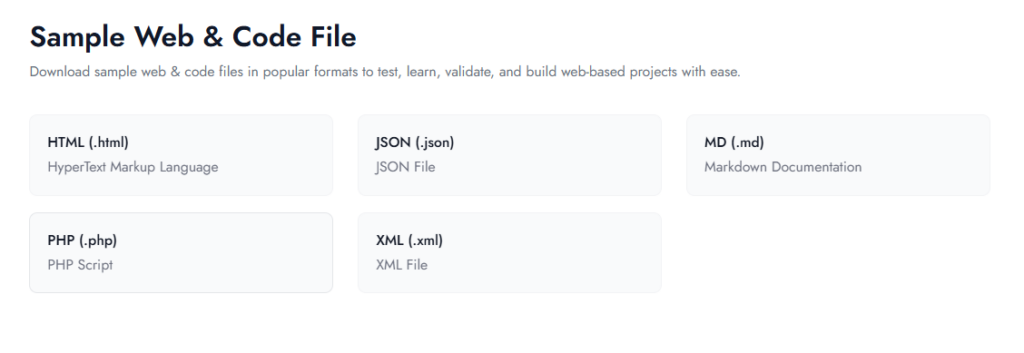
HTML Files (.html)
HTML sample files are used to test webpage structure and layout. They help verify how headings, images, links, and elements appear in different web browsers.
JSON Files (.json)
JSON sample files are useful for testing structured data exchange. They help check API responses, database connections, and data formatting in web applications.
MD Files (.md)
MD sample files are used to test Markdown formatting. They are helpful for checking documentation styling, headings, lists, and content rendering in supported platforms.
PHP Files (.php)
PHP sample files are used to test server-side scripting. They help verify backend logic, form handling, and database integration in web environments.
XML Files (.xml)
XML sample files are useful for testing structured data storage and transfer. They help validate hierarchical data formatting and compatibility with different systems.
9. Sample Design File
A Sample Design File is mainly used to test editable graphics, layered elements, and creative project structures. These sample files of different formats help designers and developers check how design software handles layers, fonts, effects, and image quality. They are especially useful when testing compatibility between different design tools.
Design-based sample files allow you to verify whether elements remain properly aligned, grouped, and editable after opening or exporting. Choosing the correct sample file format ensures that layouts, color settings, and design components behave as expected.
Below is the main design sample file format:
PSD Files (.psd)
PSD sample files are used to test Adobe Photoshop project files with multiple layers, masks, and effects. They help evaluate editing flexibility, layer structure, and compatibility when sharing design projects across different systems.
10. Sample Compressed Archive File
A Sample Compressed Archive File is used to test file compression, extraction speed, and storage efficiency. These sample files of different formats help in checking how multiple files are bundled together and whether systems can properly unzip or extract them. They are useful for developers, IT teams, and users who frequently share large sets of files.
Compressed archive sample files allow you to test upload limits, password protection, file integrity, and cross-platform compatibility. Selecting the correct sample file format ensures smooth extraction without data loss or corruption.
Below are the main compressed archive sample file formats:
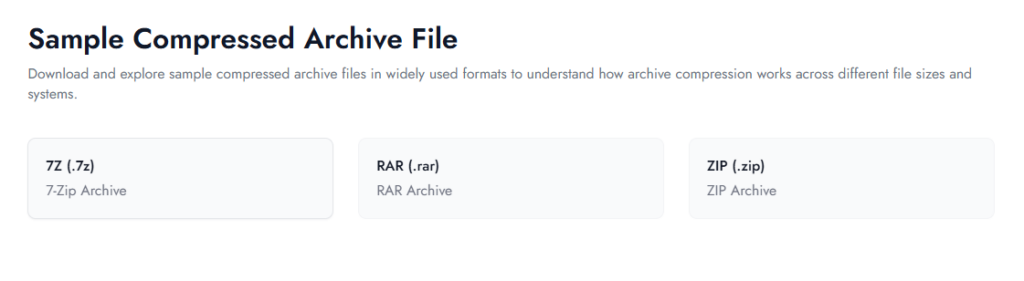
7Z Files (.7z)
7Z sample files are used to test high-compression archive formats. They help evaluate advanced compression ratios and extraction support in modern archive tools.
RAR Files (.rar)
RAR sample files are helpful for testing compressed files that may include password protection or split archives. They are commonly used for sharing large files.
ZIP Files (.zip)
ZIP sample files are widely used for testing basic compression and extraction features. They are supported on almost all operating systems and are ideal for general file sharing.
Benefits of Using Sample Files of Different Formats
Using sample files of different formats helps you test, learn, and verify file behavior without creating new files every time. Whether you are checking uploads, conversions, formatting, or compatibility, ready-made sample files make the process faster and more accurate while reducing manual effort.
Different sample file format types also help you understand how media, documents, code, and archive files perform in real scenarios. This makes testing more practical and helps you avoid common file-related issues during real projects.
Key Benefits
- Saves Time – No need to create new files for every test.
- Improves Testing Accuracy – Helps verify uploads, compression, and compatibility.
- Supports Better Learning – Makes it easier to understand how each sample file format works.
- Reduces Formatting Errors – Structured sample files prevent unexpected issues.
- Enhances Cross-Platform Testing – Allows checking performance across devices and software.
- Improves Workflow Efficiency – Speeds up development and document handling tasks.
How to Choose the Right Sample File Format for Your Needs
Choosing the right sample file format depends on what you want to test or practice. Since there are many sample files of different formats, selecting the correct one helps avoid errors and ensures smoother testing. When you match the file type with your task, the results become more accurate and reliable.
Before selecting any sample files, think about whether you are working with media, documents, code, or compressed archives. Your goal should guide your decision, not just the file extension.
1. Identify Your Main Task
If you are testing images, audio, or video playback, choose media sample files. For reports, spreadsheets, or presentations, document sample files are more suitable. Developers building websites or APIs should select web and code sample files.
2. Consider Format Conversion Needs
Sometimes you may need to convert one format into another for compatibility. For example, if you are testing presentation files but your platform accepts PDFs, learning tasks like How to Convert PPT to PDF can help you understand how different document formats interact with each other.
3. Check Editing and Page-Level Requirements
If you are specifically working with document handling features, structured PDF sample files are useful for practicing page operations. In such cases, exploring guides like How to Split PDF Pages helps you understand how document-based sample files support editing tasks.
4. Review File Size and System Compatibility
Different platforms have different size limits and supported formats. Testing with varied sample files of different formats allows you to verify uploads, compression behavior, and performance across systems.
Common Mistakes to Avoid When Using Sample Files
Even when using sample files of different formats, small mistakes can reduce testing accuracy. Choosing the wrong sample file format or not checking compatibility properly can lead to incomplete results. Below are some common mistakes to avoid:
- Choosing the wrong file format
- Testing with only one file type
- Ignoring file size variations
- Not checking cross-platform compatibility
- Skipping real-world testing scenarios
- Overlooking formatting and file structure
Avoiding these mistakes ensures that your sample files deliver accurate and practical results during testing or learning.
Where to Find Reliable Sample Files of Different Formats
Finding reliable sample files of different formats is important for accurate testing and smooth workflows. Many websites provide downloadable files, but not all of them offer properly structured or clearly categorized sample files. Choosing a trusted and organized source helps avoid formatting issues or unsupported file types.
When selecting a platform, make sure the files are grouped by category, clearly labeled, and available in multiple sample file format options. This makes it easier to test different scenarios without confusion or extra effort.
FileXTool provides a structured collection of sample files of different formats, including media, documents, web & code, design, and archive files. The files are organized in a simple way, helping users quickly find the exact sample file format they need for testing, learning, or development tasks.
Conclusion
Using sample files of different formats makes testing and learning much easier. Instead of creating files from scratch, ready-made sample files help you quickly check compatibility, formatting, compression, and overall performance across different systems. This saves time and improves accuracy.
With a structured collection available on FileXTool, users can easily explore media, document, web, design, and archive sample file format options in one place. Having organized access ensures you always choose the right file type for your specific task.
Choosing the correct sample files of different formats ultimately leads to smoother workflows and better results in real projects.