


Images can affect much more than just how a website looks. They can influence page speed, loading performance, and even search visibility, which is why choosing the best image formats for web matters more than many people realize.
If you have ever wondered whether JPG, PNG, or WebP is the better option, the answer usually depends on the type of image and how you plan to use it.
Different web image formats serve different purposes, and selecting the best image type for web often comes down to balancing quality, performance, and compatibility.
This guide breaks down the most commonly used image formats in a simple way, so you can understand which format may be the right fit for your website.
What Are the Most Common Web Image Formats?
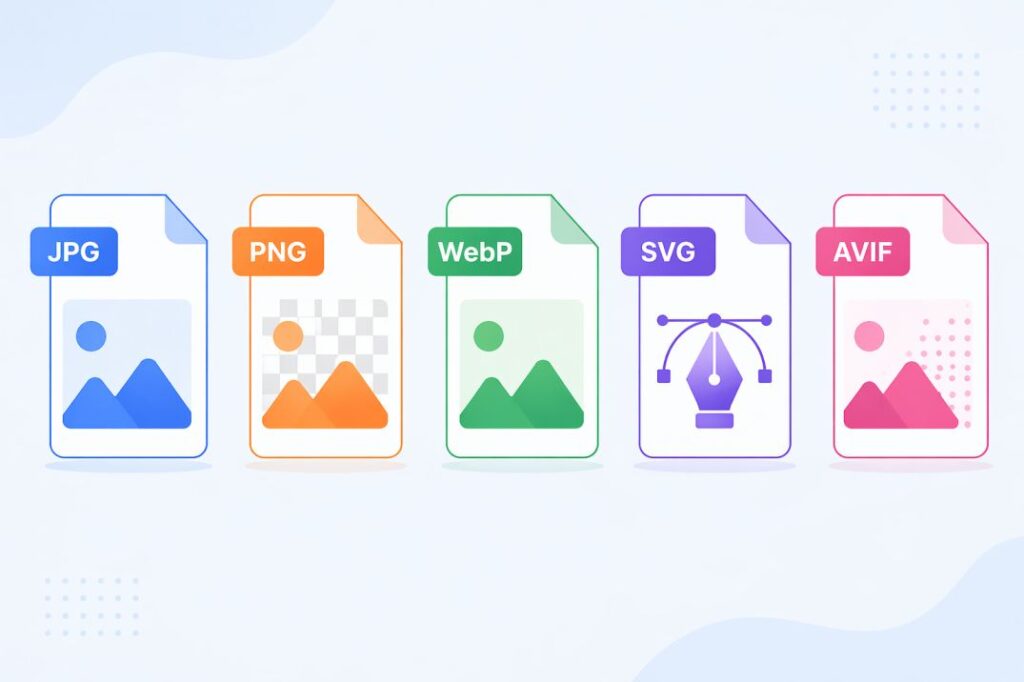
Before comparing which option may be suitable for a website, it helps to understand what each format is actually designed for. The best image formats for web often depend less on “which is better” and more on what problem the format solves.
Some formats prioritize smaller file sizes, some preserve visual quality, and others support features like transparency or scalability. This is why understanding core web image formats can help you choose based on purpose, not assumptions.
For broader file structure examples, resources like Best Sample Files of Different Formats can also be useful for comparison.
JPG for Photographs and Content Images
JPG is commonly used for blog images, product photos, banners, and other visuals where file size needs to stay manageable. It uses compression to reduce file weight, which can help improve loading speed, especially when many images appear on a page.
However, that compression can reduce image detail over time, which is why JPG is usually more suitable for photographic content than graphics that need sharp edges.
PNG for Graphics, Transparency, and Sharp Visuals
PNG is often used when image clarity matters more than smaller file size. It is commonly chosen for logos, screenshots, UI elements, and graphics where clean edges need to remain intact.
Another reason PNG is widely used is transparency support, which makes it practical when images need to sit over colored or layered backgrounds.
WebP for Balancing Quality and Performance
WebP was designed to help websites reduce image size while still maintaining good visual quality. This is one reason it is often discussed when people evaluate the best image type for web.
It can support use cases normally handled by both JPG and PNG, which is why many modern websites consider it for performance-focused optimization.
SVG for Scalable Web Graphics
SVG works differently from traditional image formats because it is vector-based rather than pixel-based. That means icons, illustrations, and logos can scale without becoming blurry.
This makes SVG especially useful in responsive design, where visuals may appear across different screen sizes.
AVIF for Emerging Image Optimization
AVIF is a newer format gaining attention for advanced compression efficiency. While adoption is still growing, it is increasingly included in discussions around future-ready image optimization.
For websites focused heavily on performance, AVIF is becoming a format worth understanding, especially when evaluating the best image formats for web for modern optimization strategies.
WebP vs PNG vs JPG: Key Differences Compared
Comparing formats side by side makes it easier to understand where each one performs better. Discussions around webp vs png or webp vs jpg often focus on file size, image quality, and specific use cases, but the right choice usually depends on what the image is meant to do.
This is also why the best image formats for web cannot be decided by a single factor alone. Similar format decisions in guides like How to Convert JPG to PNG File also show how image choice often depends on quality, compatibility, and purpose.
Comparison Between WebP, PNG, and JPG
| Feature | WebP | PNG | JPG |
|---|---|---|---|
| File Size | Smaller | Larger | Small to Medium |
| Image Quality | High | High | Good |
| Transparency | Yes | Yes | No |
| Compression | Efficient | Lossless | Lossy |
| Best For | Performance + Mixed Use | Graphics | Photos |
| Browser Support | Broad | Universal | Universal |
In practice, JPG often works well for photographs, PNG remains useful for graphics, and WebP is commonly considered when balancing quality and performance.
Which Image Format Is Best for Websites?
There is no single format that is always the best choice for every website. The best image formats for web usually depend on the type of image, performance goals, and how the visual will be used across the site.
In practice, choosing the best image type for web is often about matching the format to the use case rather than relying on one format for everything.
Use Cases to Consider
- For photographs and blog visuals
JPG is often practical when smaller file sizes are important.
- For logos, graphics, and transparency
PNG can be useful when image clarity and transparent backgrounds matter.
- For performance-focused websites
WebP is often considered when balancing quality with faster loading.
- For icons and scalable visuals
SVG may be suitable for responsive interface elements.
- For modern optimization strategies
AVIF may be considered where newer format support is part of the workflow.
Choosing the right format often means using more than one format on the same website depending on content type.
Recommended Image Conversions for Common Use Cases
- Use JPG to PNG when image quality or transparency matters.
- Use PNG to JPG when optimizing heavier graphics.
- Use BMP to PNG for older bitmap image compatibility.
- Use HEIC to JPG for mobile image sharing.
Common Mistakes to Avoid When Using Web Image Formats
Choosing the best image formats for web is not only about selecting a format, but also about avoiding decisions that can affect quality or performance. Small mistakes in format selection can create issues even when the images themselves look fine.
Mistakes That Can Affect Results
- Using one format for every image
Not every visual needs the same format. Photos, graphics, and icons often require different approaches.
- Ignoring file size before uploading
Even the right format can cause slow loading if images are not optimized properly.
- Using PNG for large photographic images unnecessarily
This can increase file size when other formats may be more practical.
- Choosing formats without considering browser or project needs
Format decisions should match the website’s technical and design requirements.
Image Optimization Tips for Better Website Performance
Choosing the best image formats for web is only one part of optimization. Image performance also depends on compression, dimensions, and how efficiently visuals are prepared before publishing.
Small optimization choices can improve both speed and usability. Image preparation also benefits from getting the details right.
Tips to Follow
- Use appropriate image dimensions
- Compress images before uploading
- Choose the right format for each image type
- Avoid unnecessarily large file sizes
- Use responsive images for different screens
- Optimize images for faster loading
- Use transparency only when needed
- Review quality after compression
- Keep graphics and photos in suitable formats
- Test images across devices and browsers
Final Thoughts
Choosing the best image formats for web often comes down to understanding use cases rather than finding one universal format. The right choice can improve image quality, support website performance, and make visual content more effective.
For users comparing formats or managing image-related tasks, FileXTool can be a practical resource within broader digital workflows. Understanding format behavior and optimization methods can also make it easier to choose the best image type for web based on actual needs.
Whether you use JPG, PNG, WebP, SVG, or AVIF, the key is matching the format to the purpose. A balanced approach to web image formats can support better performance, usability, and long-term website efficiency.
FAQs
1. Which image format is better for the web?
There is no single answer, because the best image formats for web depend on use case. For photos, JPG may work well, while PNG can be useful for graphics. FileXTool can help when comparing formats for different image needs.
2. Is JPG or PNG best for web?
It depends on the image type. JPG is often practical for smaller file sizes, while PNG may be better when transparency or sharper graphics are needed. Choosing the best image type for web usually depends on purpose. FileXTool can also help evaluate format options.
3. Is PNG or JPEG higher quality?
PNG generally preserves image detail better because it uses lossless compression, while JPEG reduces file size through compression. In discussions around web image formats, the better option depends on whether quality or smaller size matters more.
4. Is JPEG high quality?
JPEG can provide good visual quality, especially for photographs, but quality depends on compression settings. It remains one of the most commonly used formats among the best image formats for web for photo-heavy websites.
5. What is the best format for website speed?
For website speed, formats with efficient compression are often preferred, but the right choice still depends on content type. Selecting among web image formats should balance loading performance, quality, and compatibility.